

Skip Navigation

Posts
13
Comments
64
Joined
2 yr. ago

Just a guy not on Reddit

  • Looks like it does have a container option! $100/year for Backblaze computer backup is above what I was hoping to spend but it's unlimited and I'm looking for a set it and forget it option so I'll probably do exactly that, thank you.

  • Backup software of your choice pointed at the Immich library

    Any recommendations? Preferably something something with a homeassistant integration or docker container with webui so I can more easily access it remotely. New to all this.

  • What does the setup look like on your end? Is there like, an app? Also how would I look into managing encryption by myself?

  • Selfhosted @lemmy.world

    Simple inexpensive cloud backup?

  • OK now we're talking! Thanks.

  • Not looking for a workaround but thanks

    Also launching a script from cell phone is kind of the same issue

  • Not quite, I want to restart a VM using a container.

  • Debain and VirtualBox

  • That's what I do now, just looking for something where I don't have to lookup the command and type it in with my phone

  • Debian and VirtualBox

  • you can restart VMs from portainer?

  • Selfhosted @lemmy.world

    Docker container with a web UI to manage virtual machines?

  • ok great thank you!

  • CasaOS doesn't have a way to do that, how can I do that in Portainer?

  • CasaOS is like a frontend for Docker, it has an "app store" where it's just a handful of clicks to install something.

    Anyway, I did see that guide but the steps for Docker just say "Refer to Seerr Docker Documentation" which is well, kind of complicated.

    I do have Portainer and know my way around it's basics if it makes it easier.

  • Selfhosted @lemmy.world

    Can someone ELI5 how to upgrade Overseerr now that it's Seerr?

  • NGINX Proxy Manager and DuckDNS.

    Get DuckDNS set up first.

    Then go to DuckDNS.org and register a domain.

    Then go into NGINX proxy manager.

    It's pretty straightforward, click "add proxy host", then type the domain from duckdns (I like to do a different subdomain for each service, ie: calibre.mydomain.duckdns.org, homeassistant.mydomain.duckdns.org, etc.) and point it at your container with the service you want to access remotely.

    You'll want to enable let's encrypt. But other than that the defaults should be fine.

  • I see, the default docker installer for fail2ban gave me an error because "Port 80 was already in use" (by NGINX Manager).

  • If any service has only username and password instead of mfa or password less then it’s not safe.

    None of them do

    You also didn’t mention if you have automated patching or immutable backups enabled.

    I do not. I don't even know what those are tbh

  • Thanks I'm going to look into fail2ban. I mostly wanted to make sure I wasn't being a total idiot here.

  • Thanks I'll look into these. Quick question: how does fail2ban use port 80 if that's already used by nginx?

  • Selfhosted @lemmy.world

    Am I doing this (networking) safely?

  • Android @lemdro.id

    Best practices for a fresh stock Android (not Graphene) install?

  • Wow! This is great! Thanks for sharing.

  • Selfhosted @lemmy.world

    Recommendations for an all-SSD home server?

  • Selfhosted @lemmy.world

    Readdeck vs Wallabag?

  • Selfhosted @lemmy.world

    Someone finally made a "Sonarr for YouTube"
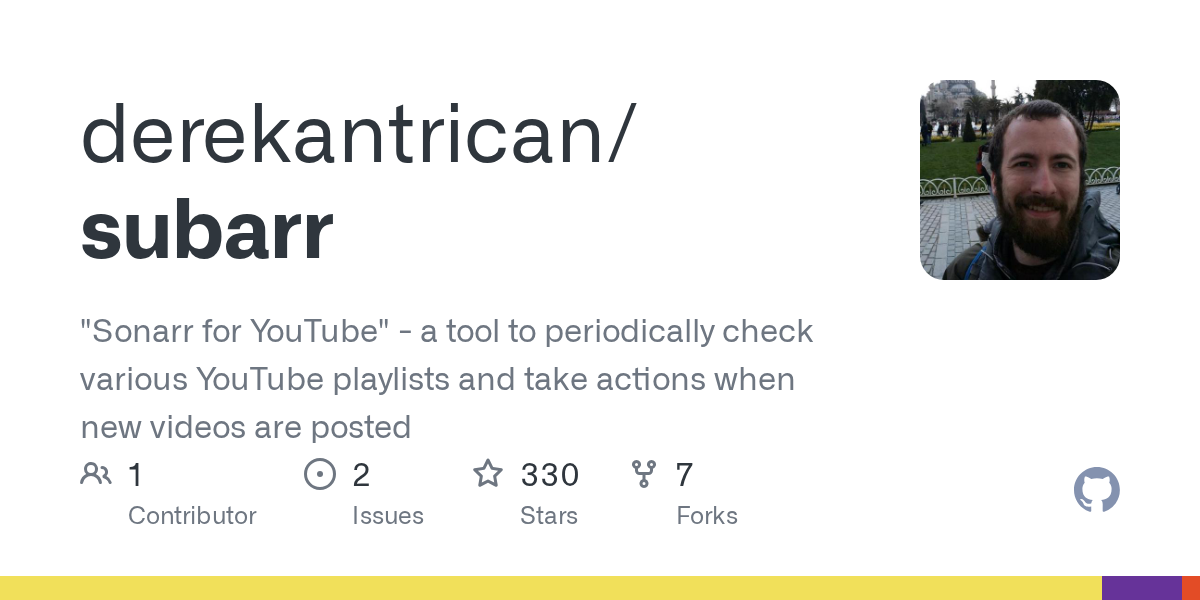
    github.com /derekantrican/subarr
  • Selfhosted @lemmy.world

    Romm + Knulli (anbernic) handhelds?

  • Selfhosted @lemmy.world

    Is there a selfhosted eBooks app that can do this?

  • Selfhosted @lemmy.world

    Selfhosted chromecast audio (multiroom)?

  • Selfhosted @lemmy.world

    DuckDNS URL no longer working on home network?

  • Technology @lemmy.world

    Russian forces now using Musk’s Starlink on Ukraine front line

    arstechnica.com /tech-policy/2024/02/russian-forces-now-using-musks-starlink-on-ukraine-front-line/